Recovering a Bambu Printer's Signing Key Without Factoring
A pure-Python, LAN-first control stack for Bambu Lab printers that recovers the per-installation signing key instead of fighting the signed firmware.
Since January 2025, Bambu Lab firmware rejects unsigned control commands. It wants a signing cert whose CN matches the specific printer, so a shared cert across your fleet will not do. That single change broke a lot of the third-party tooling people relied on to drive their printers over the local network. beambam is my answer to it.
What it is
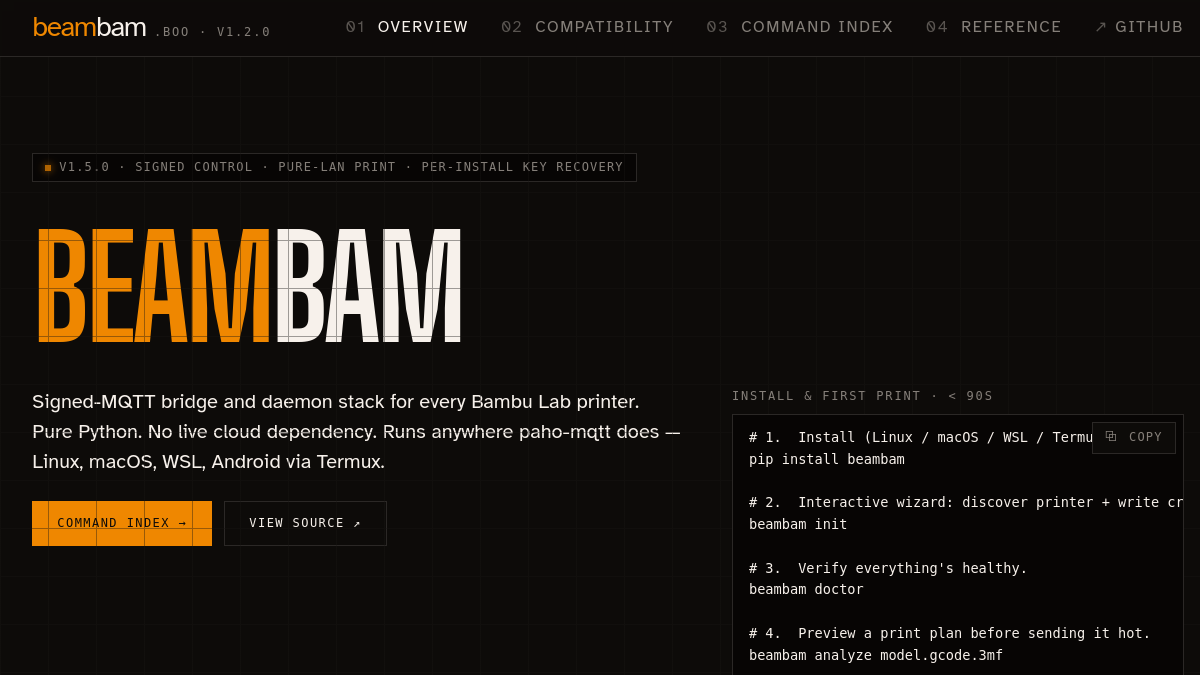
beambam is a signed-MQTT bridge and daemon stack for every Bambu Lab printer, covering the X1, P1, A1, H2, X2D, P2S, and X1E across nine models total. It is pure Python and has no live cloud dependency, so it runs anywhere paho-mqtt does: Linux, macOS, WSL, and Android via Termux. Install is a single pip install beambam, then an interactive beambam init wizard discovers the printer and writes credentials. There is a doctor command to verify health, an analyze step to preview a print plan before you send it hot, and a boo daemon that brings up a web UI, Home Assistant entities, and Prometheus metrics.
The scope is larger than a hobby script. The current release ships 122 subcommands, 57 Home Assistant entities, 25 MCP tools, and 1034 passing tests, under an MIT license. You can see the whole thing at beambam.boo.
The interesting part
The hard problem is the signing key. Rather than attack the cert head-on, beambam recovers the per-installation key that a signed-in Bambu Handy app already holds. One path extracts that key once from the phone app over adb. The approach that I am proudest of finds a prime already sitting in the app's heap memory, which sidesteps factoring the modulus entirely. Once you have the key material, control commands are signed correctly and the printer accepts writes over pure LAN. No Developer Mode, no cloud account, no live Bambu service in the loop.
The design bet here is that the right key was never actually secret from the device owner. It lives on hardware you already control. beambam just makes it usable from your own network, on your own terms, and keeps a copy so a factory reset or app reinstall does not lock you out of your own printer.
Have something that needs building, or stabilizing?
These notes are the work log. The paid work runs through Moonshine Labs, my product and engineering studio. Tell us what you're building, or grab a call.
Work with us →